

Using Feedlo Effectively
How to write posts that people actually read

Hello! 👋
Sharing your product journey is about more than just listing changes. It’s about building trust and excitement. Here are some simple ways to make your Feedlo posts stand out and keep your users coming back for every update.
Tips for a great feed
- Punchy titles: Don't just say "Update." Tell them exactly what's new. Instead of "Fixes," try "No more notification delays."
- Focus on the 'Why': Users care more about how a change helps them than the code itself.
- Use the Slash (/) command: Break up long walls of text with headers, bullet points, and images. It makes your updates much easier to scan.
- Get feedback: Always enable emoji reactions. It’s the easiest way for your users to give you a "high-five" on a new feature.
- Show your face: Use the Author settings to add a name and photo to your posts. It reminds people there’s a human builder behind the product.
Post Examples
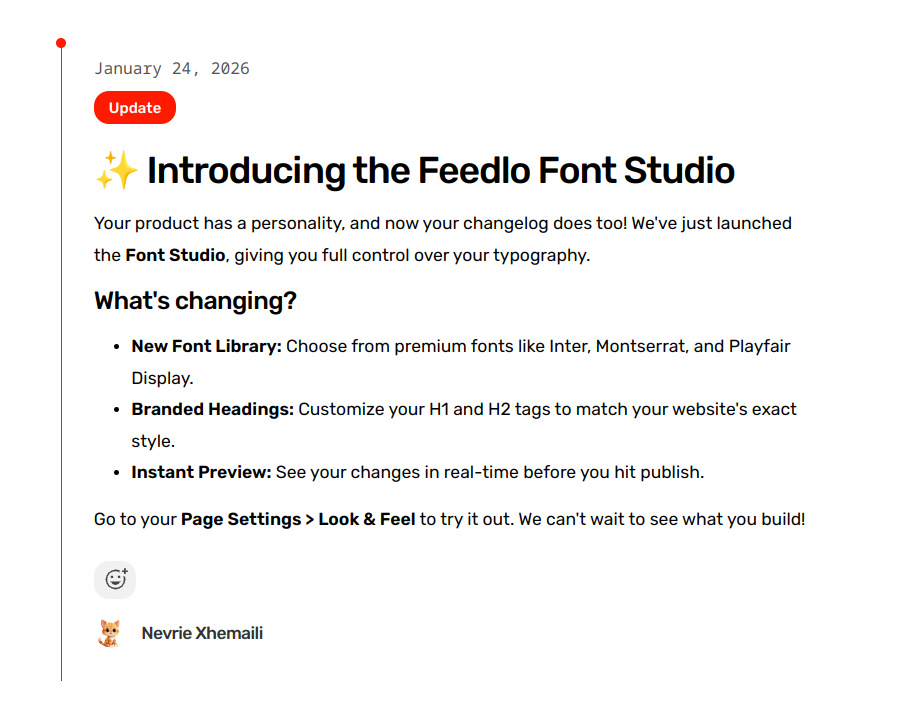
The "Big Feature" Launch Title: ✨ Introducing the Feedlo Font Studio
Description: You can now fully customize the typography of your feed! Whether you love the clean look of Inter or the boldness of Montserrat, your changelog will now match your brand perfectly. Go to your Page settings to try it out.
Tag: Update (Primary Red)
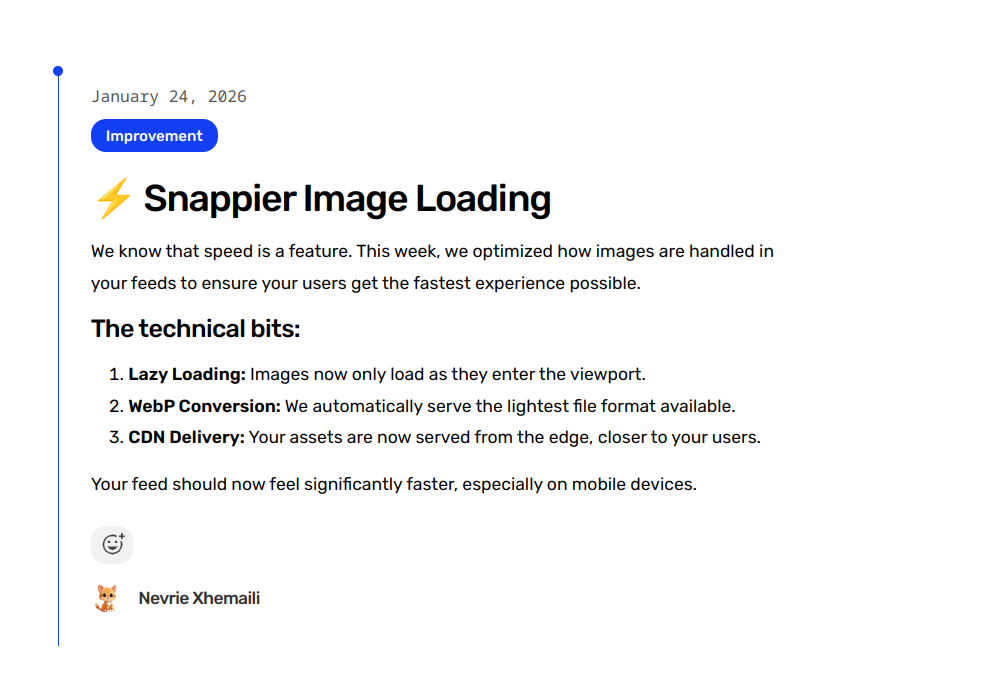
The "Small but Mighty" Improvement Title: Faster loading for your image galleries
Description: We’ve optimized how your post images load. Your feed now feels snappier, especially on mobile devices. ⚡
Tag: Improvement (Blue)
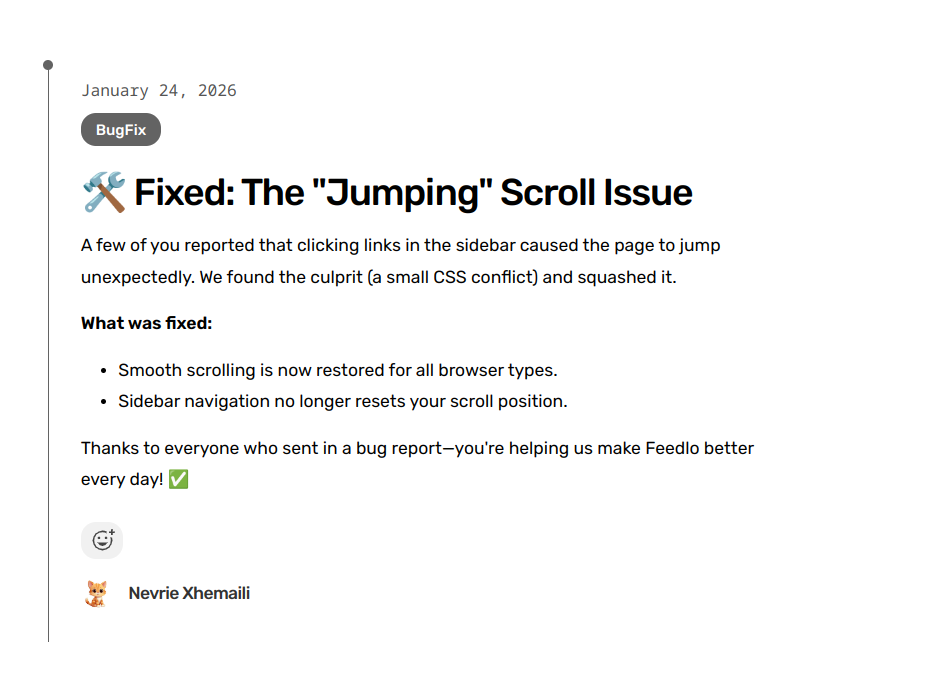
The "Transparency" Bug Fix Title: Fixed: The jumping scroll issue
Description: We found a bug that caused the page to jump when clicking certain links. It’s all smoothed out now. Thanks for the reports! ✅
Tag: Bug Fix (Gray)
By keeping your posts human, clear, and visually organized with tags, you turn your changelog into a powerful marketing tool that your users will love to follow. 🚀