
Using Feedlo Effectively
Feedlo Post Examples That Engage Users

Hello! 👋
Keeping your users engaged with your changelog is all about clarity, relevance, and style. Here are some tips and examples to help you create posts that your audience will read and appreciate.
Best Practices for Engaging Posts
- Clear Titles: Make it obvious what changed. Example: “New Dark Mode Added to Dashboard”
- Concise Descriptions: Briefly explain the update without overwhelming the reader.
- Highlight Benefits: Focus on what the user gains from the update.
- Use Emojis Sparingly: Helps draw attention without being distracting.
- Include Images or Links: Visuals can make updates easier to understand.
- Use Tags and Colors: In the post settings, you can add a tag (e.g., Bugfix, New Feature, Improvement) and assign a color. The tag will appear in the feed for each post, helping users quickly identify the type of update.
Example Posts
Example 1:
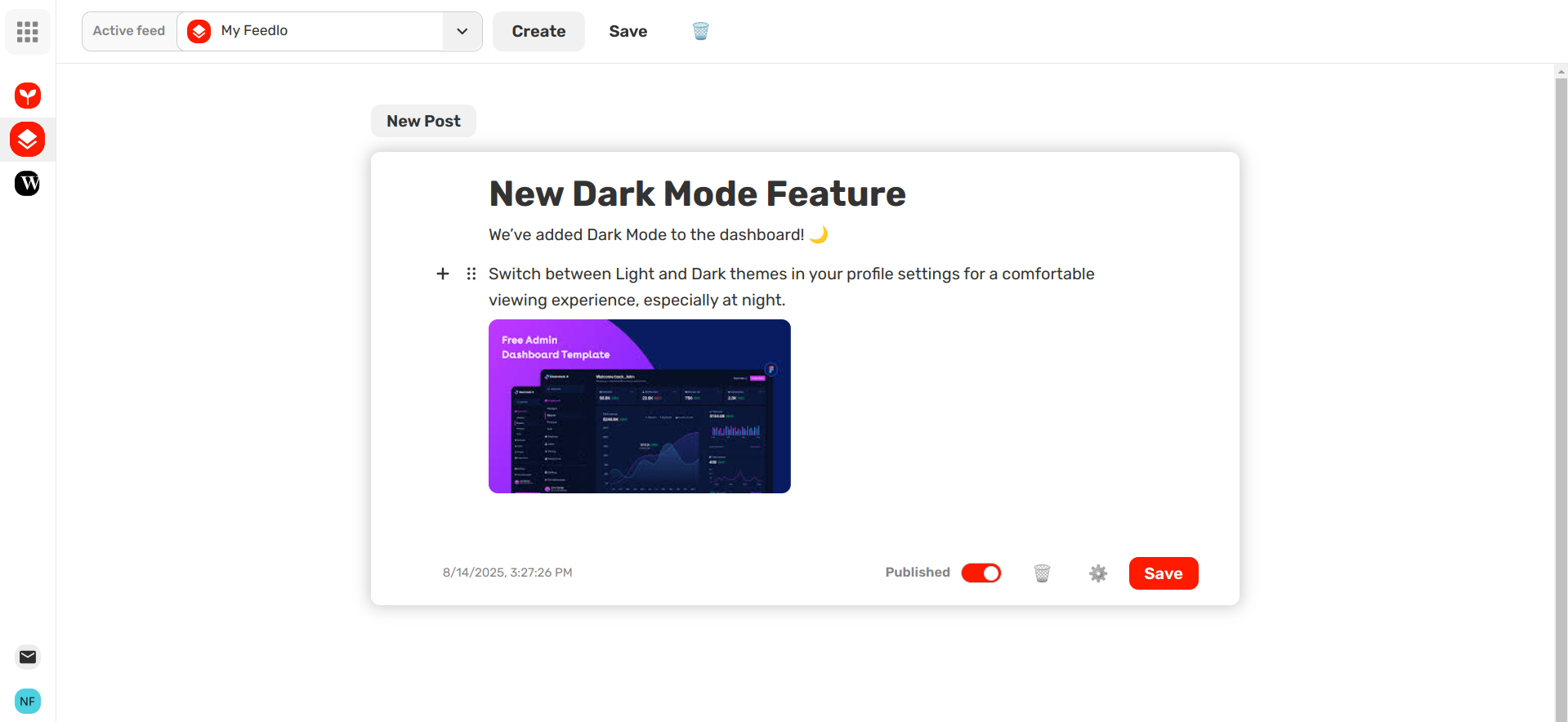
Title: New Dark Mode Feature
Description: We’ve added Dark Mode to the dashboard! 🌙 Switch between Light and Dark themes in your profile settings for a comfortable viewing experience, especially at night.
Tag: New Feature (Blue)
Example 2:
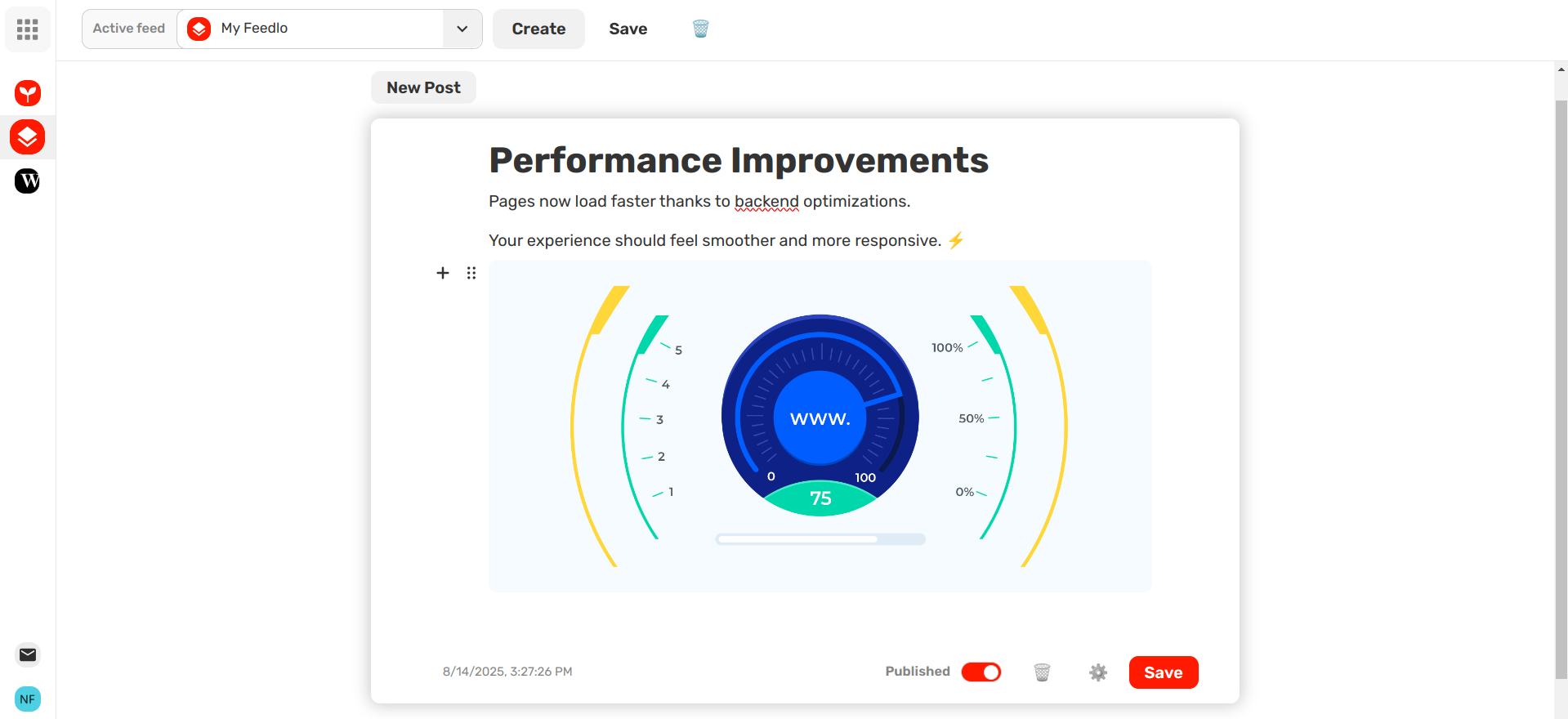
Title: Performance Improvements
Description: Pages now load faster thanks to backend optimizations. Your experience should feel smoother and more responsive. ⚡
Tag: Improvement (Green)
Example 3:
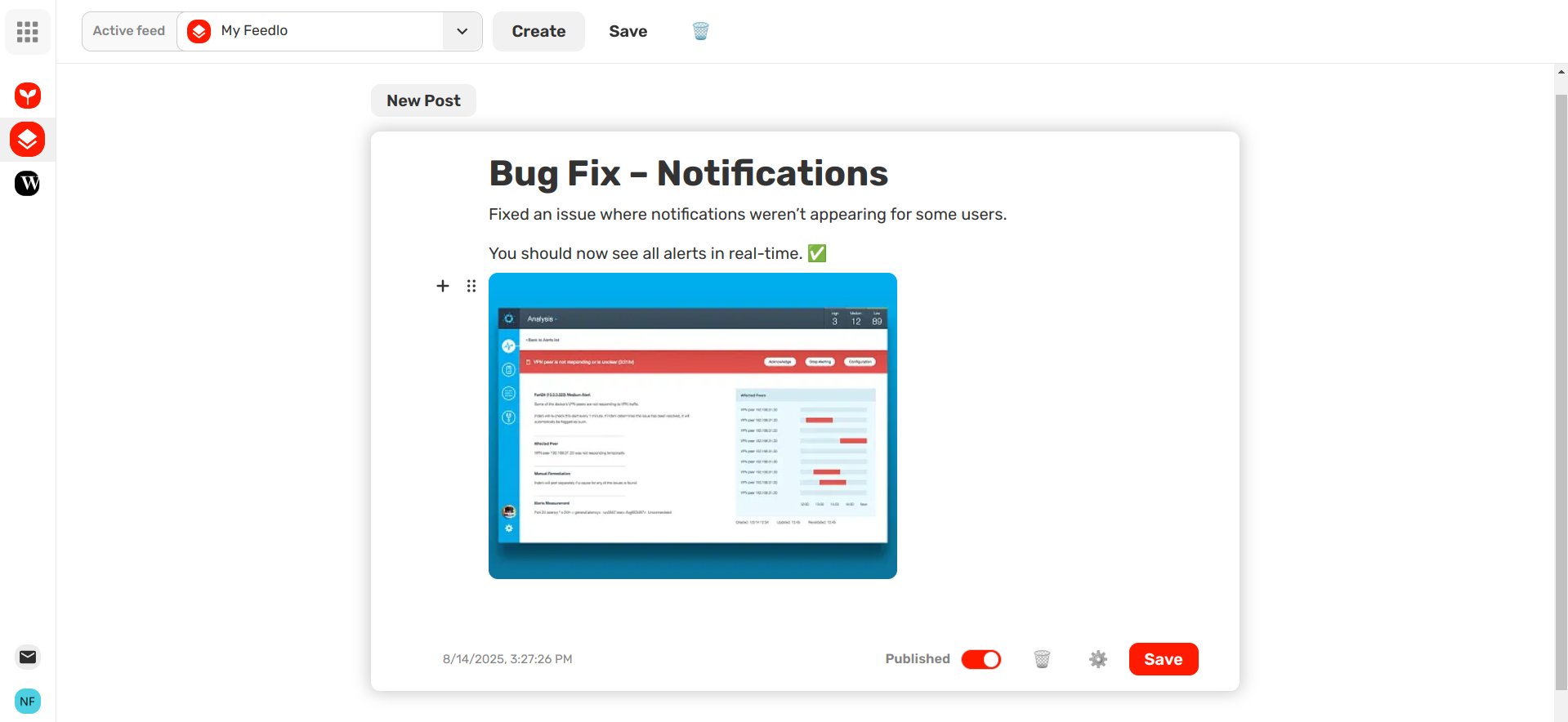
Title: Bug Fix – Notifications
Description: Fixed an issue where notifications weren’t appearing for some users. You should now see all alerts in real-time. ✅
Tag: Bugfix (Red)
By following these examples and tips, and using tags with colors, your changelog posts will be clear, helpful, and visually organized — keeping your users informed and happy! 🚀