

Customizing Feedlo
Customizing the Look & Feel of Your Page

Hello! 👋
Your Feedlo page shouldn't feel like a third-party tool, it should feel like a native part of your brand. We’ve built a deep customization system that lets you tweak everything from the weight of your headings to the exact hex code of your buttons.
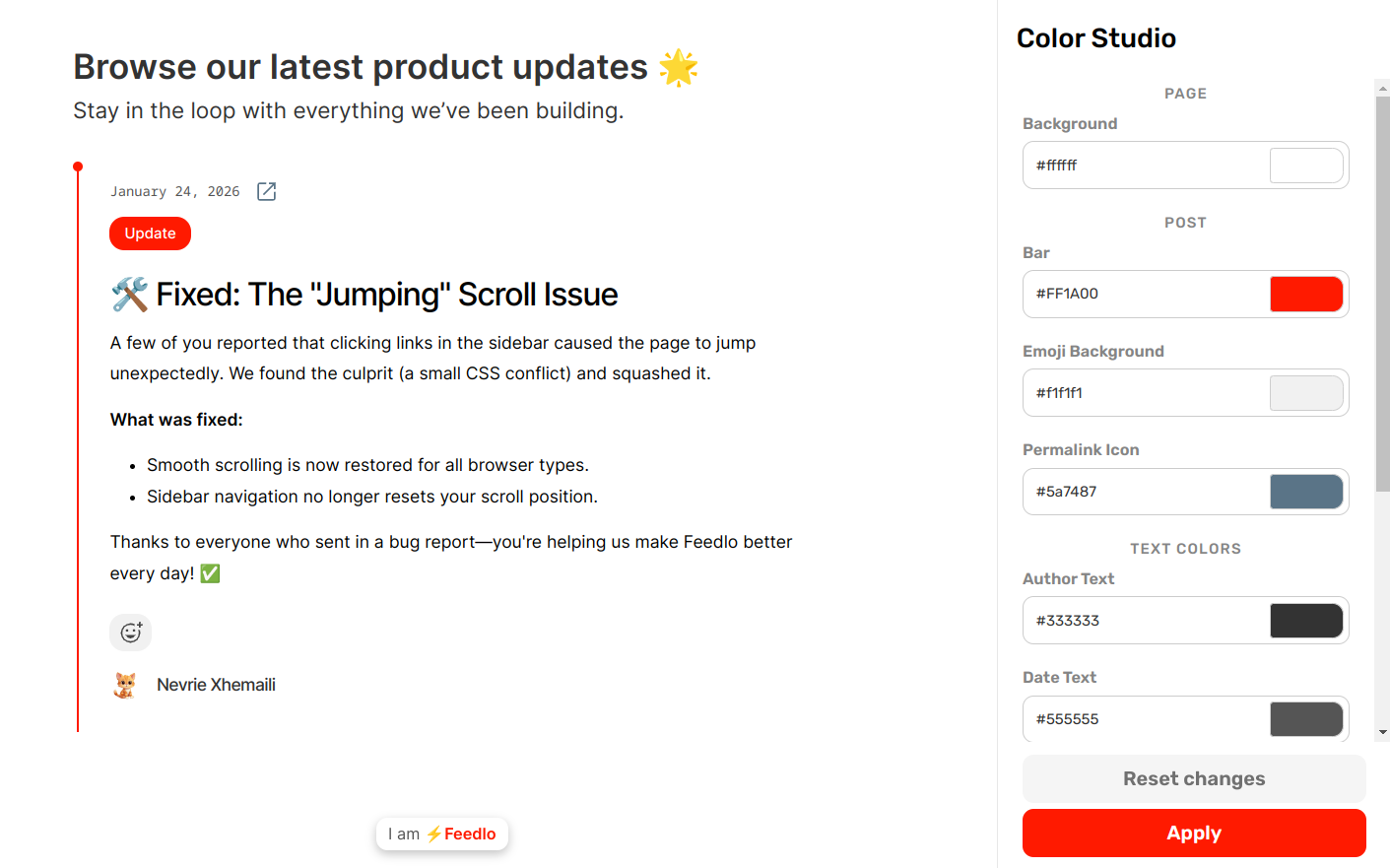
1. The Color Studio
The Color Studio gives you total control over the palette of your page. Instead of picking from a few presets, you can set the exact colors for every element.
- Primary Colors: Set your brand's signature color for buttons, links, and tags (like the Feedlo Red!).
- Surface & Backgrounds: Adjust the colors of your cards, headers, and page backgrounds to create the right depth.
- Text Colors: Fine-tune the contrast for your body text and headings to ensure perfect readability.
2. The Font Studio
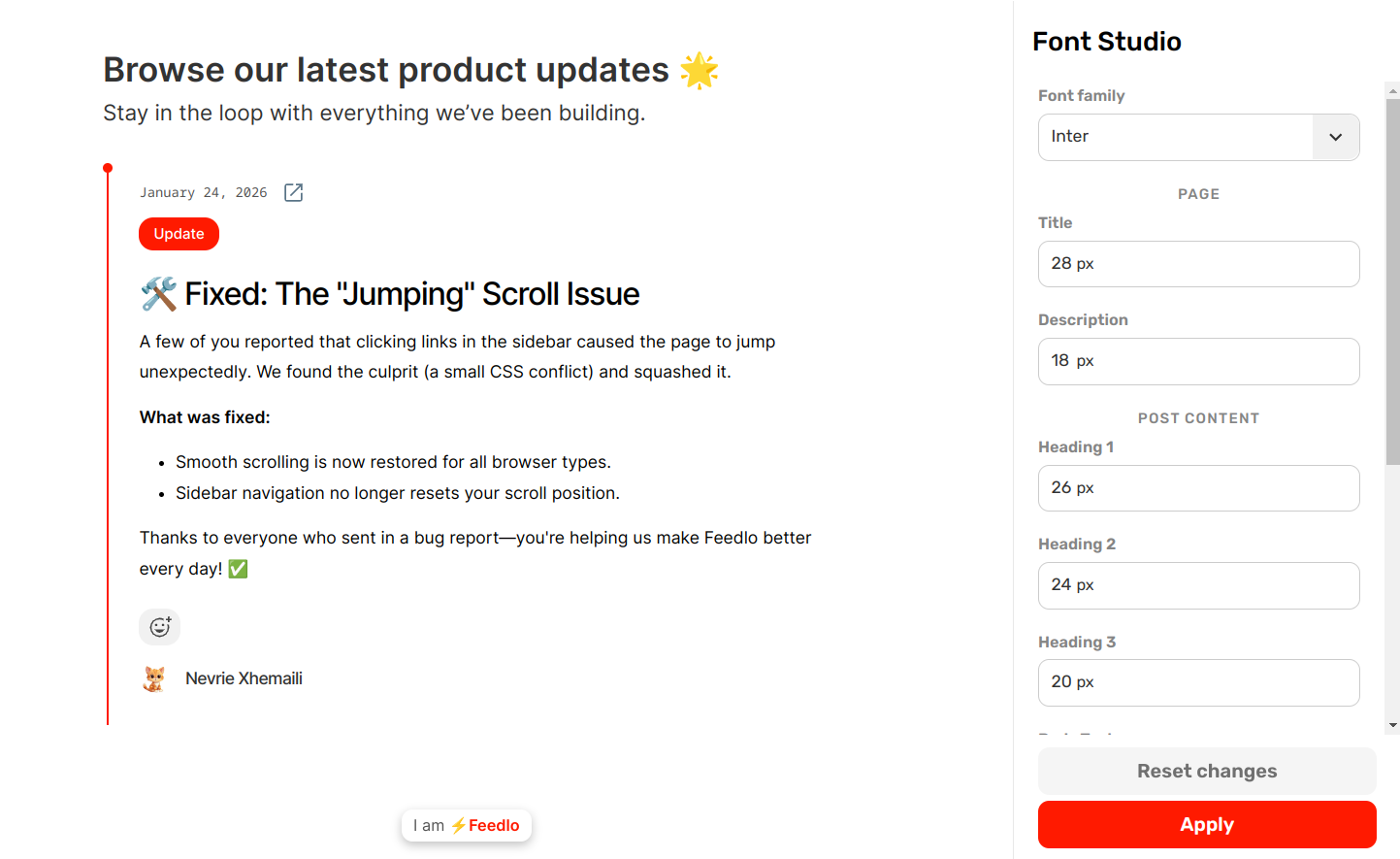
Typography is the "voice" of your brand. With the Font Studio, you can choose different personalities for your content.
- Pick your Style: Choose from a curated list of professional fonts like Inter, Montserrat, or Playfair Display.
- Element-Specific Fonts: You can set a bold, punchy font for your Headings while keeping a clean, highly-readable font for your Body Text.
- Global Consistency: Once set, these fonts apply instantly across your entire page and all future posts.
3. Visibility Settings (Toggle Everything)
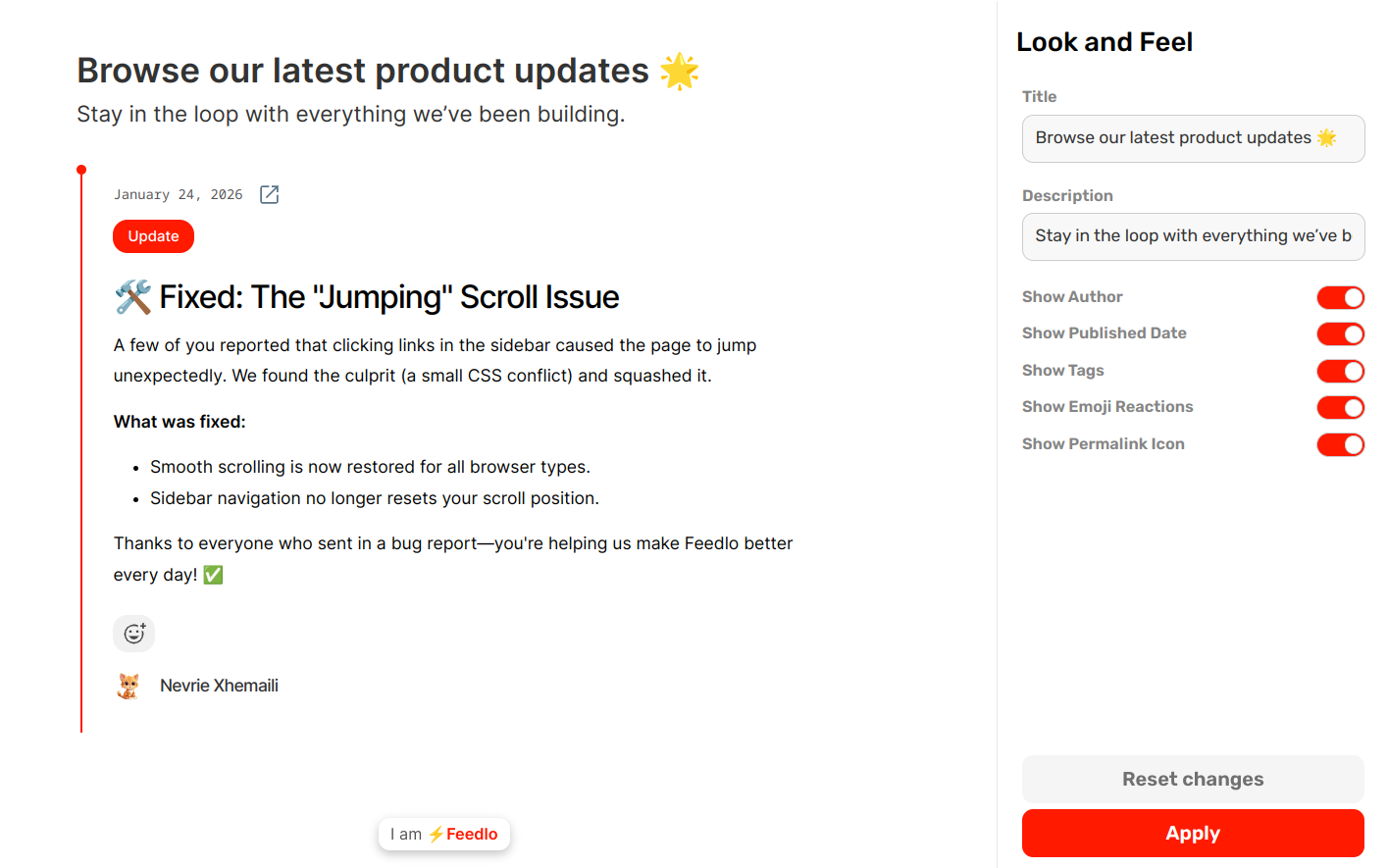
We believe in minimalism. If you don't need an element, you can simply hide it. The Visibility section lets you toggle almost every part of your Feedlo page.
- Header Elements: Hide the title or description if you want a more compact look.
- Post Metadata: Toggle the visibility of Authors, Dates, or Tags depending on how much detail you want to show.
- Emoji Reactions: Choose whether or not you want to display the reaction bar on your posts.
By combining the Color Studio and Font Studio, you can create a changelog that is uniquely yours. 🚀
Next, check out how to connect a Custom Domain to make your Feedlo page even more professional!